
+- ZenphotoCMS Forum (https://forum.zenphoto.org)
+-- Forum: Support (https://forum.zenphoto.org/forum-1.html)
+--- Forum: General support (https://forum.zenphoto.org/forum-4.html)
+--- Thread: Images not loading (/thread-13336.html)
Images not loading - Billy - 2019-10-29
Okay thanks for the answer
Images not loading - Billy - 2019-11-04
Hello,
I found the problem, another CMS prevented ZenPhoto from working properly.
Now almost everything works!
I have one question: the jquery script to upload images does not work. When I click on "Add files", I can select an image but it will never be added on hold.
How to solve this?
Thanks!
Images not loading - acrylian - 2019-11-04
Glad you found out. It can always be problematic if Zenphoot (or any other CMS) resides in a subfolder within the install of another CMS: Often it is betterto use subdomains (e.g. photos.yourdomain.com) for example to separate systems.
Please do not mix topics. I already mentioned that issue above:
The jquery uploader has indeed a conflict with some stricter https headers that are now set in 1.5.5 that we somehow missed. The support build has the fix already and soon will become 1.5.6 therefore.
This mean you can already install the 1.5.6beta (support build) or just wait a little. You can use the http uploader meanwhile or FTP directly.
Images not loading - Billy - 2019-11-07
Hello,
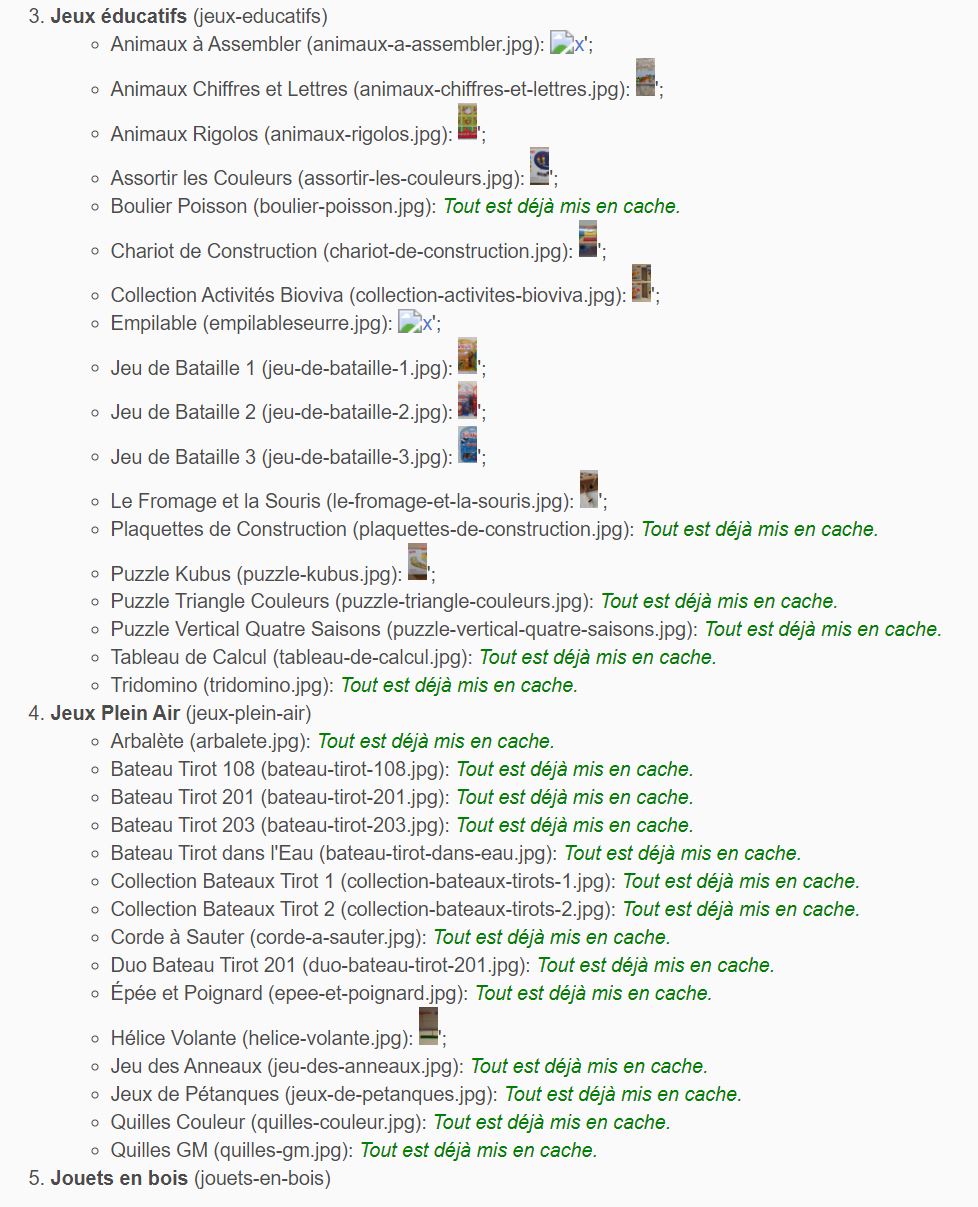
I still have trouble caching images. Some do not load at all with the cache manager, and from the 5th album it does not charge at all.
What should I do ?
Thank you
Screenshot: https://www.zupimages.net/up/19/45/edz8.jpg
Images not loading - acrylian - 2019-11-07
It is quite normaly that you will need more than one attempt in the classic mode. It is normal that not all sizes of all images work on the first go. Try the cURL mode of the cachemanager plugin if your server supports it. It is more reliable on some servers and does not work on others (including our for example)
Still pre-caching is a really resource heavy procedure for your server and may overload it for power and even memory especially if you are trying to precache a lot images and albums at the time. Better split by album. Still technically not exactly required as Zenphoto will do it when needed anyway: https://www.zenphoto.org/news/caching/
Images not loading - Billy - 2019-11-12
I changed the server and it now works perfectly.
Thank you for your help and availability !